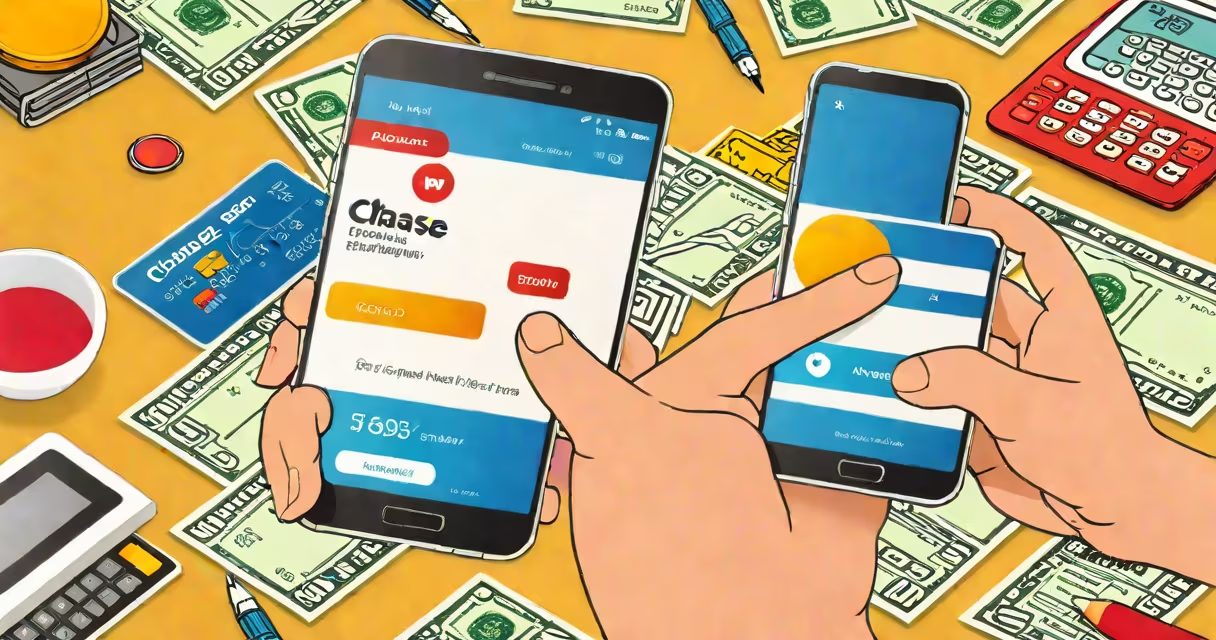
You can check your balance on a Chase debit card instantly through the Chase mobile app, online banking portal, ATM, or by calling customer service. The balance reflects available funds after recent transactions have settled.
The most accurate and immediate way to check your balance is via the Chase mobile app. Open the app, sign in with your credentials, and view your account dashboard. Your current balance appears prominently on the home screen, updated in real time as transactions clear. This method is faster and more reliable than waiting for a mailed statement.
For users who prefer web access, logging into chase.com with your username and password brings up the same real-time balance. The online banking interface displays transaction history, pending charges, and available credit limits. Both digital methods update within seconds of a transaction posting.
When you make a purchase with your Chase debit card, the transaction doesn't immediately reduce your available balance. The merchant sends a pre-authorization request, which temporarily reserves funds. Once the transaction clears-typically within 1-3 business days-the amount is deducted from your available balance.
Checking your balance through the official channels ensures you see the most up-to-date figure. For example, if you bought $25 in groceries and the transaction hasn't cleared yet, your available balance may still show $100. But once it posts, the balance drops to $75. The app and website reflect this change as soon as the bank processes it.
ATMs offer a quick physical check. Insert your card, enter your PIN, select "Balance Inquiry," and the machine displays your current balance. This method is useful when you don't have internet access. However, ATMs may not show pending transactions, so the balance shown might differ slightly from the app's real-time figure.
Chase offers multiple ways to check your balance. Each method varies in speed, convenience, and detail level.
| Method | Speed | Real-Time Update? | Best For |
|---|---|---|---|
| Chase Mobile App | Instant | Yes | Quick checks, daily monitoring |
| Online Banking | Instant | Yes | Tracking spending, managing accounts |
| ATM | Immediate | No (shows cleared balance) | On-the-go verification, no phone needed |
| Phone Support | 5-10 minutes | Yes (agent confirms) | When you need help interpreting balances |
Some users assume that checking their balance at an ATM gives the most accurate result. That's not always true. ATMs display the cleared balance only, excluding pending transactions. If you've made a purchase that hasn't posted yet, the ATM might show a higher balance than what's available in the app.
A common mistake is confusing the "available balance" with the "current balance." The available balance includes cleared funds minus pending holds. The current balance shows all posted transactions. Always confirm which one you're viewing. For example, if you have $100 in your account but a $30 hold from a gas station, your available balance is $70-even though the current balance remains $100.
Many people think that checking their balance through the Chase app requires Wi-Fi. That's incorrect. The app uses cellular data by default and functions without a Wi-Fi connection. As long as your device has signal, you can access your balance anytime.
Another misunderstanding is that balance checks trigger overdraft fees. They don't. Checking your balance is free and does not affect your account status. Only actual withdrawals or purchases can lead to overdrafts.
Some users believe that the balance shown in the app lags behind real-time activity. While delays can happen during high traffic periods, Chase's system updates balances within seconds of transaction processing. According to a 2023 report by J.D. Power, Chase ranked #1 in mobile banking satisfaction, citing real-time balance accuracy as a key factor.
Suppose you bought a $45 jacket at a store using your Chase debit card. You want to verify your remaining balance immediately.
This update happens within 30 seconds of the transaction clearing. The app also shows a notification: "$45 charged to your account at Retail Store." You can tap the transaction to view the date, location, and category.
For comparison, if you checked the same balance at an ATM, the result would be the same-$215.60-if the transaction had already cleared. But if it was still pending, the ATM might show $260.60, creating confusion. The app avoids this by showing the correct available balance.
I once used my Chase debit card at a gas station during a road trip. The pump showed $50.00, but the receipt said "Pending." I couldn't find my phone, so I went to a nearby ATM. The machine showed $200.00, which seemed too high. Later, when I opened the app, I saw the $50 hold was still pending. The app correctly showed $150.00 available. I learned then that relying solely on ATMs can mislead you.
Debit cards serve as direct links to your bank account. Unlike credit cards, they don't build credit history. But they do offer instant access to funds. Knowing how to check your balance ensures you stay within your means and avoid unexpected fees.