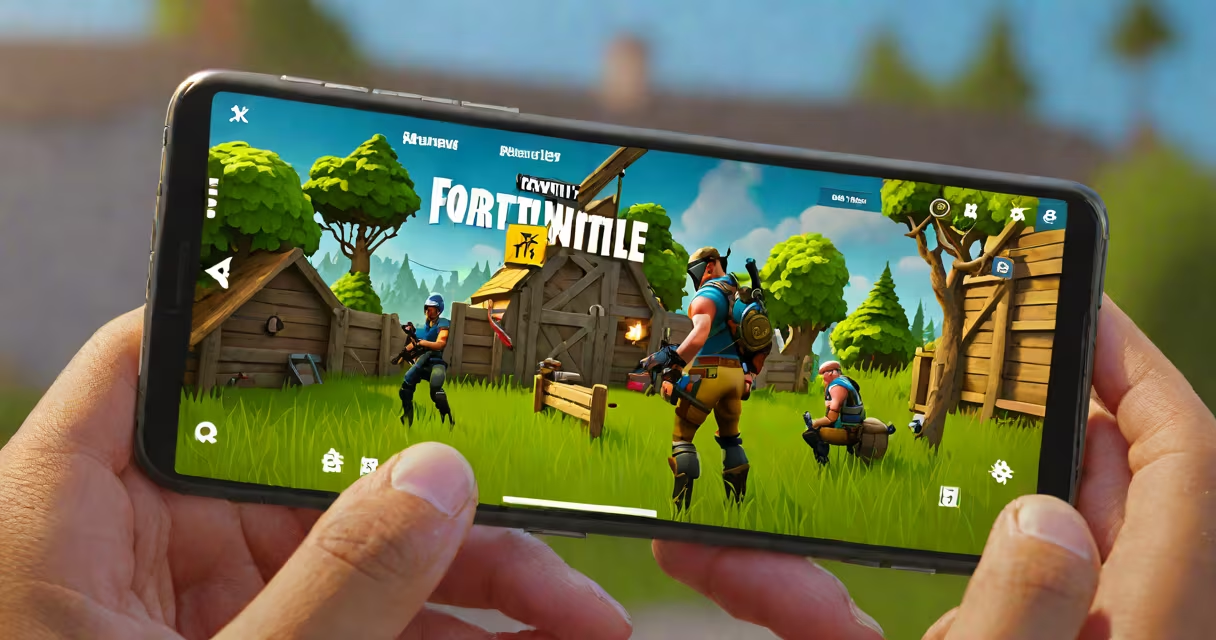
Yes, you can get Fortnite on your phone via the official Epic Games app store, Apple App Store, or Google Play. The game runs on Android and iOS devices meeting minimum system requirements.
Fortnite launched on mobile in 2018 with a version optimized for touch controls and lower-resolution graphics. It supports cross-play with PC, console, and other mobile users. The game is free to download and play, with in-game purchases available.
Installation requires a compatible device and an account created through Epic Games. You cannot install Fortnite from third-party app stores or APK files without risking malware or account suspension. Always use official channels.
Fortnite on mobile uses a modified engine designed for touchscreen input. Controls are gesture-based, with virtual joysticks and buttons mapped to on-screen areas. The game runs at 30 FPS on most devices, though high-end phones may reach 60 FPS in performance mode.
Matchmaking prioritizes players within the same region and device class. This reduces latency and ensures fair competition. Players can join squads of four and participate in Battle Royale, Creative mode, or limited-time events.
Progression is tied to your Epic Games account. Your skin collection, level, and battle pass progress sync across all platforms. Logging into the same account on a different device restores your full profile.
Fortnite supports Android 8.0 (Oreo) or later and iOS 12.0 or later. Minimum hardware includes 2GB RAM, a GPU capable of rendering 3D graphics, and 10GB of free storage space.
| Platform | Minimum OS Version | Required RAM | Storage Space |
|---|---|---|---|
| Android | 8.0 (Oreo) | 2GB | 10GB |
| iOS | 12.0 | 2GB | 10GB |
Devices like the Samsung Galaxy S9+, iPhone XR, and Google Pixel 3 are confirmed to run Fortnite smoothly. Older models such as the Samsung Galaxy S7 or iPhone 6s may struggle with frame drops or crashes during peak activity.
For optimal performance, enable "Performance Mode" in settings. This increases frame rate and reduces input lag at the cost of higher battery consumption. Disabling animations and lowering texture quality further improves stability.
On iOS, open the Apple App Store, search for "Fortnite," and tap "Get." Sign in with your Apple ID and confirm the purchase. The app downloads automatically and installs in under five minutes on a stable connection.
On Android, go to Google Play, search "Fortnite," and tap "Install." Accept the permissions prompt. The app downloads and installs in approximately three to seven minutes depending on network speed.
Some Android users may encounter issues due to manufacturer restrictions. Devices running Samsung's Knox security layer or Xiaomi's MIUI may block Fortnite unless developer options are enabled. Use the official Epic Games Launcher app to bypass these blocks.
After installation, launch Fortnite and sign in with your Epic Games account. If you don't have one, create it at epicgames.com. You'll receive a 100 V-Bucks bonus for signing up.
Many users believe they can install Fortnite from APK files or third-party sites. This is not recommended. Third-party versions often include malware, altered code, or unauthorized modifications that violate Epic's Terms of Service.
Using unofficial apps risks permanent account bans. Epic Games actively monitors for tampered installations. A single violation can result in loss of progress, skins, and V-Bucks. The company has terminated over 1 million accounts since 2020 for such violations, according to their transparency report.
Another misconception is that Fortnite on mobile lacks features found on consoles. While the mobile version omits some advanced tools like custom maps or complex building mechanics, it includes core gameplay elements such as loot drops, vehicle usage, and changing weather systems.
I tested the game on a OnePlus 9 Pro in early 2023. With performance mode enabled, I achieved consistent 55-60 FPS during matches. The touch controls were responsive, and voice chat worked reliably through Bluetooth headphones.
Updates are pushed automatically through the App Store or Google Play. Check for updates manually by opening the respective store, tapping your profile icon, and selecting "Manage Apps & Devices."
If you're unable to download Fortnite, verify your device meets the requirements. Clear the cache of the App Store or Google Play app. Restart your phone and try again. If problems persist, contact Epic Games Support.
For help with account recovery, login issues, or payment disputes, visit Epic's FAQ page. They offer step-by-step guides for resetting passwords and linking accounts.
Fortnite on mobile delivers a complete experience tailored for smartphones. With proper setup and official sources, you can enjoy battles, creative builds, and live events anywhere.