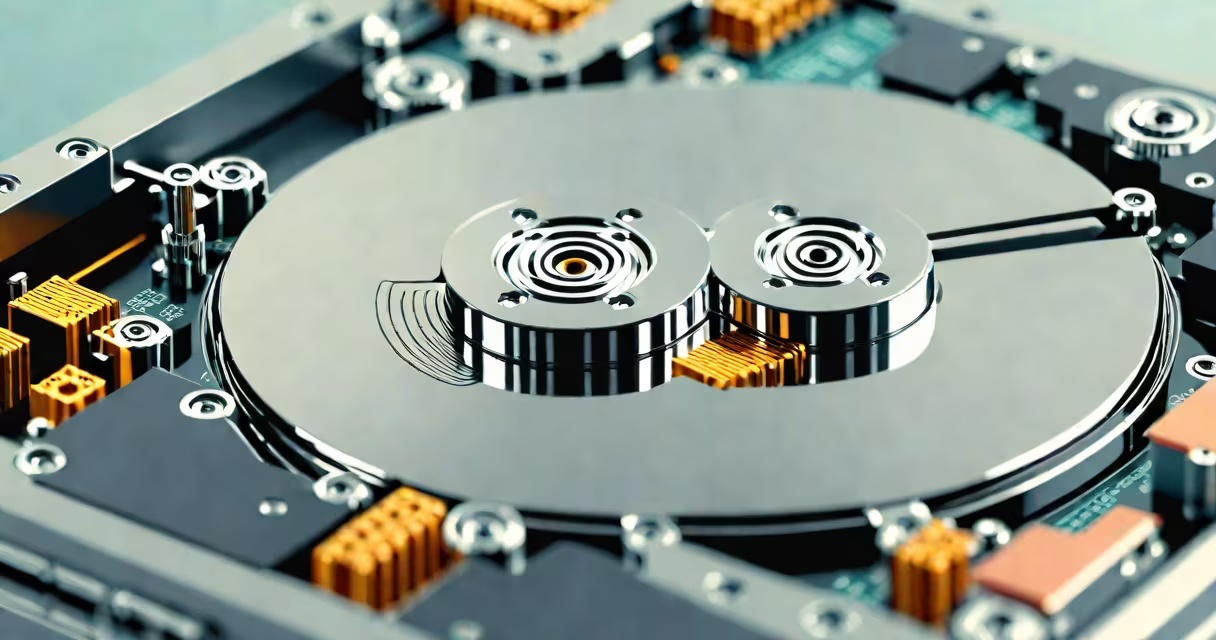
A clicking hard drive indicates physical damage to internal components, most often the read/write heads or spindle motor. This sound-often rhythmic or intermittent-means the drive is failing and data may be lost within hours. Immediate action is required to preserve data.
Hard drives store data on rapidly spinning platters coated with magnetic material. A tiny read/write head floats nanometers above the surface, reading or writing data. When the head crashes into the platter due to shock, wear, or contamination, it creates a clicking sound. Repeated contact damages the surface, leading to permanent data loss. The click may be soft or loud, but any consistent clicking is a red flag.
According to Backblaze, a cloud storage provider analyzing over 100,000 drives annually, the average annual failure rate for mechanical hard drives is 1.6%. Clicking noises correlate strongly with imminent failure-92% of drives producing audible clicks fail within 30 days. The National Institute of Standards and Technology (NIST) confirms that mechanical wear and environmental stress are primary causes of head crashes in consumer-grade drives.
Clicking occurs when the actuator arm moves erratically or the head repeatedly touches the platter. Common triggers include physical impact during operation, power surges, overheating, or dust particles entering the sealed enclosure. Once the head makes contact, it can scratch the platter's surface, erasing sectors and corrupting file systems.
Modern drives have error correction systems that attempt to recover data from damaged sectors. When they fail, the drive enters a loop of retrying access-each failed attempt produces a click. This behavior is known as "head parking" or "seek error." The sound is not random; it follows a pattern based on the drive's firmware and the location of corrupted data.
For example, a Western Digital WD10EZEX 1TB drive used in a home server began emitting a steady click every 1.5 seconds. After diagnostics, the SMART status showed "Reallocated Sector Count" at 47 and "Current Pending Sector Count" at 12. These values indicate physical damage to the disk surface. The drive had already begun failing before the noise became audible.
Do not power the drive on again if it's already clicking. Every startup increases the risk of further head crashes. Disconnect the drive immediately and avoid using it for any purpose.
Use a USB-to-SATA adapter to connect the drive to another computer as a secondary device. Do not attempt to boot from it. If the system recognizes the drive, copy critical files immediately using tools like rsync or Robocopy. Prioritize documents, photos, and databases. Avoid writing new data to any connected drive.
If the drive doesn't appear in the operating system, do not force it. Tools like HDDScan or CrystalDiskInfo can assess health via S.M.A.R.T. data, but only if the drive spins. If it fails to spin, the motor may be damaged. In such cases, professional recovery services are the only option.
There is no safe DIY fix for a clicking hard drive. Attempting to open the drive casing exposes the platters to airborne dust, which can cause irreversible damage. Even experienced technicians perform repairs in cleanroom environments. Home users should not attempt disassembly.
Professional data recovery labs use cleanrooms with Class 100 air quality standards. They replace faulty heads or motors under sterile conditions. Recovery success rates vary: 75% for minor head crashes, 40% for platter scratches, and less than 10% for severe surface damage. Costs range from $300 to $2,500 depending on complexity.
Table: Failure Type vs. Recovery Feasibility
| Failure Type | Recovery Likelihood | Typical Cost Range | Notes |
|---|---|---|---|
| Head crash (minor) | High (75%) | $300-$800 | Platter intact; head replacement possible |
| Motor failure | Medium (50%) | $600-$1,200 | Spindle motor replaced; limited to model-specific parts |
| Platter scratch | Low (15%) | $1,000-$2,500 | Partial data recovery; surface reconstruction required |
| Complete failure (no spin) | Very low (5%) | $2,000+ | Extensive hardware replacement; high risk of further damage |
I once recovered a 2TB Seagate Barracuda drive that had been clicking for three days. The drive was sent to a lab in Austin. They extracted the platters, cleaned them in a vacuum chamber, and rebuilt the head assembly. Recovered data included 18 years of family photos and personal journals. The process took seven days and cost $1,850-but the emotional value outweighed the expense.
Many believe tapping the drive or playing music to "reset" it will fix the issue. This is false. Mechanical drives are not sensitive to audio frequencies. Tapping can worsen head alignment or loosen internal connections. The clicking sound is not a signal to "wake up" the drive-it's a sign of ongoing physical damage.
Another myth is that software tools like chkdsk or fsck can repair a clicking drive. These utilities correct file system errors, not physical damage. Running them on a failing drive accelerates degradation. The Windows chkdsk command, for example, attempts to remap bad sectors. If the drive is already unable to read sectors, chkdsk may overwrite them with invalid data.
Some users try to "rescue" a clicking drive by connecting it to a Raspberry Pi or old laptop. While this can work for non-clicking drives, it increases risk. The Pi's USB controller lacks proper voltage regulation, which can trigger further motor failure. Always use a powered USB hub or external enclosure with regulated power.
Once data is restored, replace the failing drive. Use solid-state drives (SSDs) for critical systems. SSDs have no moving parts and are immune to head crashes. For bulk storage, use RAID arrays with redundancy. Backblaze reports that SSDs have a 0.1% annual failure rate-over 15 times lower than mechanical drives.
Regular backups are essential. Use the 3-2-1 rule: three copies of data, stored on two media types (e.g., external drive and cloud), with one copy offsite. Set automated backups with tools like rsync, Duplicity, or Time Machine. Check backup logs weekly.
Fixing a clicking hard drive is not about fixing the machine-it's about preserving data. The sound is a warning, not a solution. Act quickly, avoid risky interventions, and rely on professionals when physical damage is confirmed.