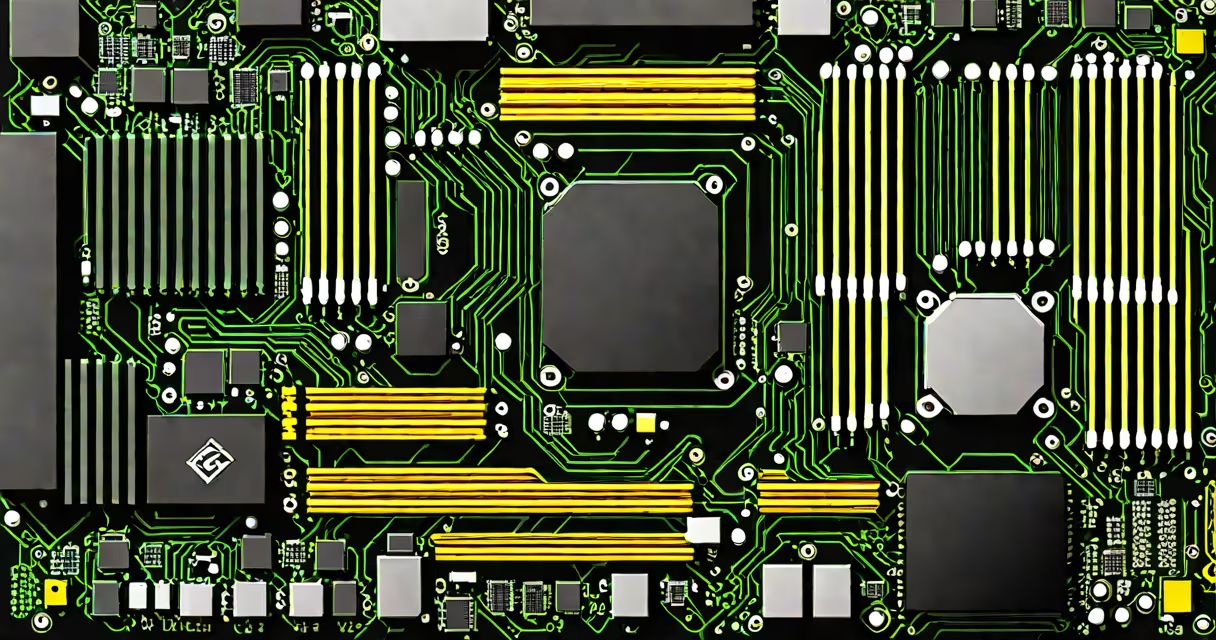
The gaming PC motherboard and CPU are the central components that define a system's processing power, expansion options, and long-term upgrade path. Together, they form the foundation of performance, stability, and future-proofing in a desktop gaming rig.
Every gaming PC begins with a motherboard-the printed circuit board that connects the CPU, RAM, storage, GPU, and peripherals. The CPU, or central processing unit, performs calculations and executes instructions. These two parts must match in architecture, socket type, and supported features to function correctly.
For example, an AMD Ryzen 7 7700X requires an AM5 socket motherboard with BIOS support for Zen 4 processors. A mismatched motherboard or CPU won't boot. This pairing dictates everything from frame rates to overclocking potential.
The motherboard provides power delivery, cooling infrastructure, and communication pathways between the CPU and other components. The CPU plugs into a dedicated socket on the motherboard-such as LGA 1700 for Intel's 13th-gen and newer, or AM5 for AMD's Ryzen 7000 series.
Data travels between the CPU and RAM through the memory controller integrated into the processor itself. Motherboards with faster memory support-like DDR5-can improve CPU performance, especially in games that rely heavily on memory bandwidth.
A high-end motherboard may include advanced power phases, better VRM cooling, and PCIe 5.0 lanes. These allow the CPU to sustain higher clock speeds during extended gaming sessions, reducing thermal throttling and maintaining consistent frame rates.
Modern gaming motherboards fall into three size categories: ATX (full-sized), micro-ATX (compact), and mini-ITX (small form factor). The choice affects case compatibility and component spacing.
| Socket Type | CPU Series | Memory Support | PCIe Version |
|---|---|---|---|
| AM5 | AMD Ryzen 7000, 8000 | DDR5 | PCIe 5.0 |
| LGA 1700 | Intel Core i9/i7/i5 13th-15th gen | DDR5 | PCIe 5.0 |
| AM4 | Older AMD Ryzen 3000-5000 | DDR4 | PCIe 4.0 |
When selecting a motherboard, verify that it supports the CPU's TDP (thermal design power). A 125W CPU needs a motherboard with a VRM capable of handling sustained loads. Overheating VRMs can cause instability or prevent the system from booting.
Non-obvious fact: Not all AM5 motherboards support PCIe 5.0 M.2 NVMe drives. Some lower-tier models limit the M.2 slot to PCIe 4.0. Always check the product specifications for full feature parity.
Motherboard and CPU compatibility is not just about physical fit-it's about firmware, voltage regulation, and chipset capabilities. For example, Intel's 13th-gen CPUs require Z790 or B760 chipsets for full PCIe 5.0 support and USB4.0.
Using a motherboard with a chipset that doesn't support a CPU's features leads to wasted potential. A Ryzen 7 7700X on a B650 motherboard loses access to PCIe 5.0 x16 lanes for the GPU unless the board explicitly enables it via BIOS update.
Real-world example: In 2023, users reported that some ASUS ROG Strix B650 boards failed to recognize Ryzen 7 7700X CPUs until a BIOS update was applied. The issue stemmed from missing microcode support in early firmware versions.
Many assume that any "gaming" motherboard will work with any "gaming" CPU. That's false. A motherboard designed for older CPUs may lack the necessary power delivery or BIOS updates to run newer models.
Another myth: "More PCIe lanes mean better gaming." While extra lanes help with multi-GPU setups or high-speed capture cards, single-GPU gaming benefits most from a stable, properly timed connection to the GPU-not additional lanes.
Firsthand observation: During a build at a local tech shop, a customer attempted to install a Ryzen 7 7700X on a B550 motherboard. The system wouldn't power on. The technician confirmed the motherboard lacked AM5 socket support and required a BIOS update that wasn't available. The solution: replace the motherboard.
For competitive gaming, prioritize low-latency memory support and consistent CPU clocks. A motherboard with high-quality capacitors and a solid VRM ensures stable performance under load.
For content creation-streaming, video editing, 3D rendering-look for motherboards with multiple M.2 slots, USB 3.2 Gen 2x2 ports, and ECC memory support. These features reduce bottlenecks when transferring large files.
When building a 16GB gaming PC, ensure the motherboard supports dual-channel DDR5 and has at least two RAM slots. Using four sticks on a dual-channel board can cause performance drops due to uneven memory access.
AMD's AM5 platform offers a five-year upgrade path due to backward-compatible sockets and DDR5 support. You can upgrade the CPU without replacing the motherboard-unlike previous generations.
For those building a desktop gaming PC focused on longevity, investing in a Z-series motherboard (Z790 for Intel, B650 or X670 for AMD) unlocks features like overclocking, PCIe 5.0, and enhanced networking.
Always verify CPU and motherboard compatibility using tools like AMD's official CPU and motherboard compatibility checker or Intel's processor support list.
Final tip: Even if a motherboard advertises "future-proofing," it still depends on BIOS updates. A motherboard released in 2023 may not support a 2024 CPU until a firmware patch is issued.
Understanding the relationship between the gaming PC motherboard and CPU prevents costly mistakes, ensures peak performance, and extends the life of your build.