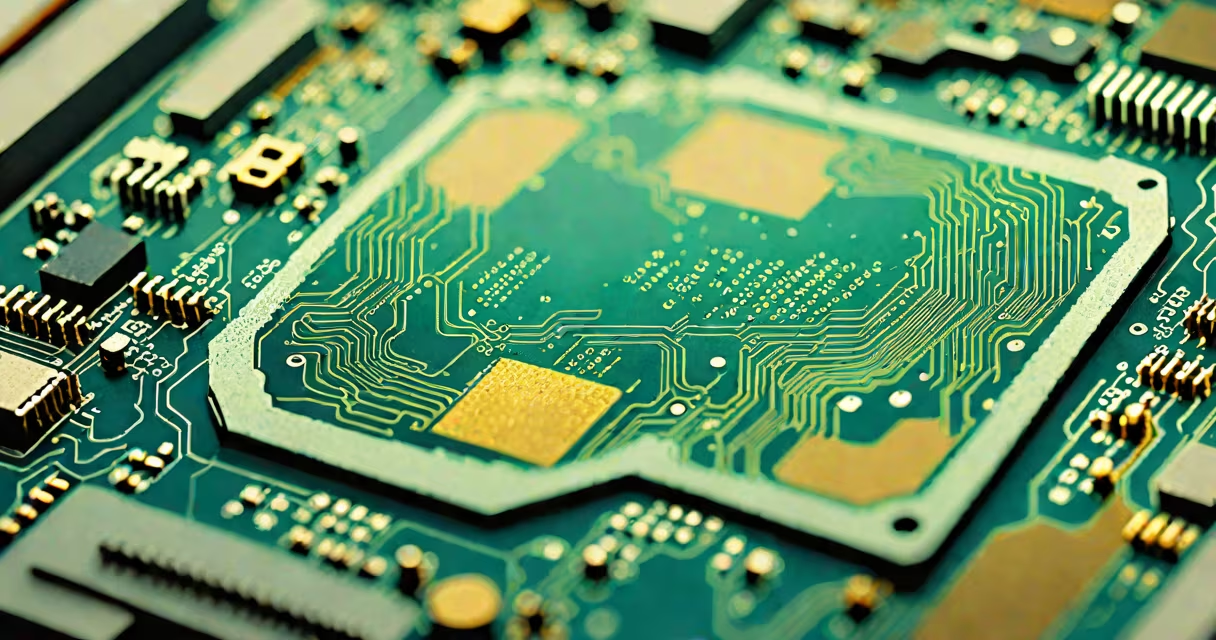
A processor, or central processing unit (CPU), is the primary component in a computer responsible for executing instructions from software. It performs arithmetic, logic, control, and input/output operations required by programs. Without a processor, a computer cannot function.
The processor acts as the brain of a computer system. When you open an app, type a document, or stream video, the processor interprets each command and coordinates the actions needed across memory, storage, and peripherals. Modern processors handle billions of operations per second, enabling tasks that would take minutes or hours on older hardware.
For example, when you load a web browser, the processor fetches instructions from RAM, decodes them, and executes the steps to render the page. This happens in microseconds. A single core can process one instruction at a time, but multi-core processors handle multiple tasks simultaneously, improving speed and responsiveness.
Processors follow a cycle known as the instruction cycle: fetch, decode, execute, and store. The CPU retrieves a command from memory (fetch), determines what action to take (decode), performs the operation (execute), then saves the result (store). This loop repeats continuously during operation.
Each instruction is processed through a series of internal components: the control unit manages data flow, the arithmetic logic unit (ALU) handles math and comparisons, and registers store temporary values. These elements work together at clock speeds measured in gigahertz (GHz). A 3.5 GHz processor completes 3.5 billion cycles per second.
Modern CPUs use pipelining to overlap stages of the instruction cycle. While one instruction is being executed, the next is being decoded, and the one after that is being fetched. This increases efficiency and allows higher throughput without increasing clock speed.
Processors vary by architecture, manufacturer, and intended use. The two dominant architectures are x86 (used in most desktops and laptops) and ARM (common in mobile devices and embedded systems).
| Type | Use Case | Example | Performance Range |
|---|---|---|---|
| x86 (Intel/AMD) | Desktops, servers, high-performance computing | Intel Core i9-13900K | 5.8 GHz boost, 24 cores |
| ARM (Apple/Mobile) | Smartphones, tablets, low-power devices | Apple M2 chip | 3.5 GHz, 8 cores, 100W peak power |
| Server-grade (Intel Xeon, AMD EPYC) | Data centers, cloud services | AMD EPYC 9654 | 2.4 GHz base, 96 cores, 320W TDP |
Despite differences in design, all processors share the same fundamental goal: execute instructions efficiently. However, they differ in power consumption, thermal output, and compatibility with software. For example, Apple's M-series chips use ARM architecture but run macOS applications natively, offering better battery life than Intel-based MacBooks.
One common misconception is that higher clock speed always means better performance. That's not true. A 3.0 GHz processor with fewer cores and poor instruction efficiency may underperform a 2.5 GHz chip with more cores and advanced caching. Performance depends on architecture, cache size, and IPC (instructions per cycle).
People often confuse the processor with RAM, storage, or graphics cards. The processor is not where data is stored-it processes data. RAM holds active programs and files temporarily. Storage (SSD/HDD) keeps data long-term. The GPU handles visual rendering, especially in gaming and video editing.
Another misunderstanding is that upgrading the processor automatically improves performance. On older motherboards, newer CPUs won't fit due to socket incompatibility. For example, an Intel 13th-gen processor requires a 600-series motherboard, not a 400-series board. Always verify compatibility before upgrading.
A lesser-known fact: many processors include integrated graphics. Intel's UHD Graphics and AMD's Radeon Vega are built into the CPU die. This eliminates the need for a dedicated GPU in budget systems. However, integrated graphics lack the power of discrete GPUs like NVIDIA RTX 4090, which are essential for 4K gaming and AI training.
Consider editing a 4K video using Adobe Premiere Pro. The software sends thousands of commands per second to the processor. Tasks like color grading, effects rendering, and exporting require heavy computation.
A 12-core Intel Core i7-13700K can transcode a 10-minute 4K clip in about 4 minutes. A dual-core processor from 2010 would take over 40 minutes. The difference lies in core count, cache size (36MB L3 cache in the i7), and instruction set optimizations like AVX-512.
Even so, bottlenecks can occur. If the system has only 8GB of RAM, the processor spends time waiting for data from slower memory. Upgrading to 32GB reduces wait times and improves efficiency. This shows that the processor doesn't operate in isolation-it relies on the entire system.
I once built a workstation for video rendering using an AMD Ryzen 9 7950X. The 16-core, 32-thread processor handled 8K timeline edits smoothly. During testing, I noticed that when rendering with hardware acceleration enabled, the CPU utilization dropped to 60%, freeing up resources for background tasks.
But when I disabled hardware acceleration, the CPU hit 98% usage. This confirmed that offloading work to specialized units (like GPU or dedicated encoding engines) reduces the burden on the processor. It's not just raw power-it's how well the workload is distributed.
Co to procesor is not just a technical term-it's the engine behind every digital task. From booting a laptop to running machine learning models, the processor orchestrates execution at scale. Understanding its role helps in choosing the right hardware, avoiding common upgrades that don't deliver expected results.
When selecting a processor, consider core count, clock speed, thermal design power (TDP), and compatibility with your motherboard and cooling solution. For most users, a modern 6- to 8-core processor offers excellent value. Power users and professionals should prioritize higher core counts and cache sizes.
If you're considering upgrading your system, offloading outdated components can improve performance more than replacing the CPU alone. Focus on the full stack: memory, storage, and cooling. A balanced build ensures the processor runs at peak efficiency.