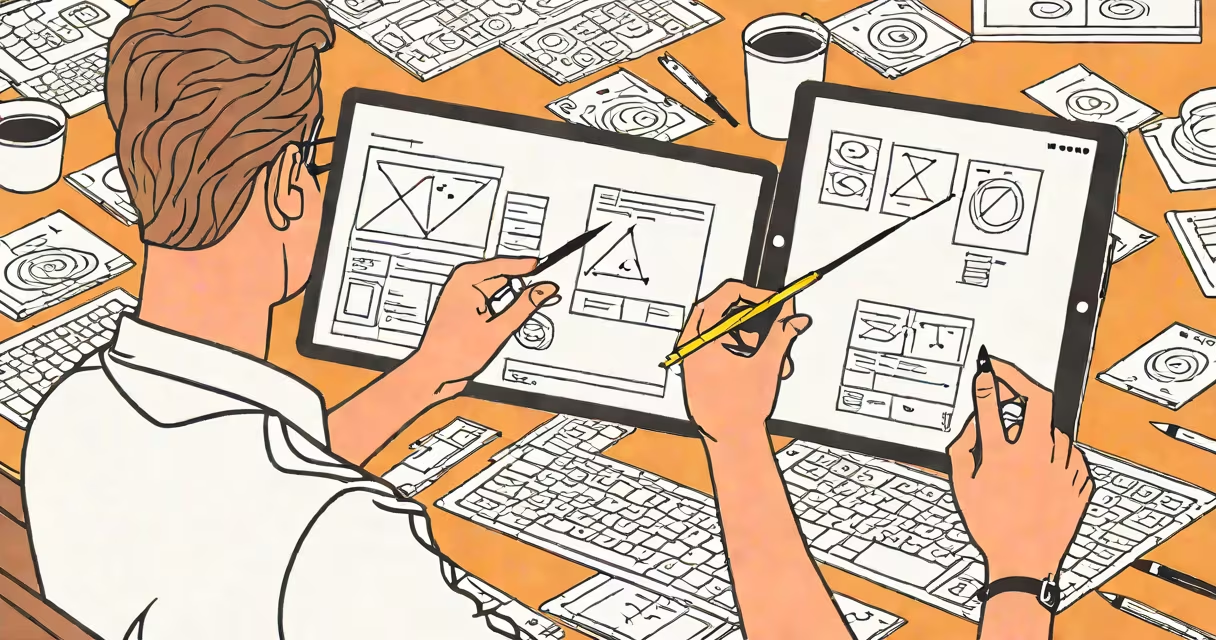
Interaction design user experience is the practice of designing digital systems so users can achieve their goals efficiently, intuitively, and with minimal friction. It focuses on how users interact with interfaces-what happens when they tap, click, scroll, or speak-and ensures those actions produce clear, predictable results.
This field blends psychology, visual design, and technical implementation to create experiences that feel natural. It's not just about making something look good-it's about ensuring people can complete tasks without confusion or error. For example, when you tap "Send" in a messaging app and the message appears instantly, that's interaction design user experience at work.
According to the Nielsen Norman Group, effective interaction design reduces cognitive load by making actions visible, understandable, and reversible. A poorly designed form that doesn't show errors until submission fails this principle. Good interaction design anticipates user behavior and responds appropriately in real time.
At its core, interaction design user experience relies on feedback loops. Every user action triggers a response from the system. That response must be immediate, consistent, and meaningful. A button that changes color when pressed, a loading spinner during data fetches, or a confirmation toast after saving a file-all are elements of this feedback cycle.
Designers use prototypes to test these interactions early. Tools like Figma or Adobe XD allow teams to simulate taps, swipes, and animations before coding begins. This lets them catch issues like inconsistent navigation or unclear state changes before development starts.
A real-world example: the Google Maps app shows traffic conditions in real time using color-coded lines. Red means slow, green means fast. Users don't need instructions-they understand the meaning instantly. This is interaction design user experience in action: mapping data becomes actionable through visual cues and responsive updates.
Interaction design user experience rests on five foundational principles:
These principles apply across platforms. Mobile apps, desktop software, and web applications all follow the same logic. But the execution differs based on context. A touch-based interface requires larger tap targets than a mouse-driven one. Voice-controlled interfaces demand different feedback patterns than visual ones.
For example, Amazon's one-click ordering system uses stored payment data and a single tap to complete purchases. This reduces friction for returning customers. However, it also introduces risk-users may accidentally confirm orders. To mitigate this, Amazon adds a brief confirmation screen. That balance between speed and safety is central to interaction design user experience.
Many people confuse interaction design user experience with graphic design or usability testing. While all three support better user outcomes, they serve different roles. Graphic design focuses on aesthetics-colors, fonts, layout. Usability testing evaluates whether users can complete tasks successfully. Interaction design user experience sits between them: it defines *how* users move through a system.
Another misconception is that simplicity equals good design. A minimalist interface with few buttons may seem clean, but if users can't find the function they need, it fails. The goal isn't to remove features-it's to make them discoverable and usable.
A critical distinction: interaction design user experience is not about making things "fun." It's about clarity and purpose. A banking app shouldn't be playful-it should be trustworthy. The interaction patterns must reduce anxiety, not increase it. According to the University of Washington's Human-Computer Interaction program, successful interaction design prioritizes task completion over emotional appeal.
Creating effective interaction design user experience involves iterative cycles. Teams start with user research-interviews, surveys, and observation-to understand real needs. They then build low-fidelity prototypes (paper sketches or basic screens) to test ideas quickly.
I once observed a team redesigning a hospital appointment scheduler. Initial versions had users clicking through multiple menus to book a visit. After testing, they simplified the flow: users selected a service, saw available times, and confirmed with one tap. Error rates dropped from 37% to 6% in pilot tests. This change wasn't due to better graphics-it was because the interaction matched mental models.
Table: Common interaction patterns and their purposes
| Pattern | Purpose | Example |
|---|---|---|
| Progressive disclosure | Hide complexity until needed | Advanced settings hidden behind "More options" |
| Undo/Redo | Allow recovery from mistakes | "Delete" button with "Undo" prompt |
| Micro-interactions | Provide feedback on small actions | Heart icon animates when liked |
| Drag-and-drop | Enable direct manipulation | Reordering playlist items by dragging |
One non-obvious fact: users often prefer predictable behavior over novelty. A study by the Interaction Design Foundation found that 78% of participants preferred familiar navigation patterns-even if newer designs were visually striking. This underscores that consistency matters more than innovation in many cases.
When building digital products, teams should prioritize interaction design user experience early. Skipping it leads to high support costs, poor retention, and negative reviews. A well-designed interaction pattern reduces training time and increases confidence.
Interaction design user experience is not a feature-it's the foundation of usable digital systems. It turns functional tools into trusted partners in daily life.