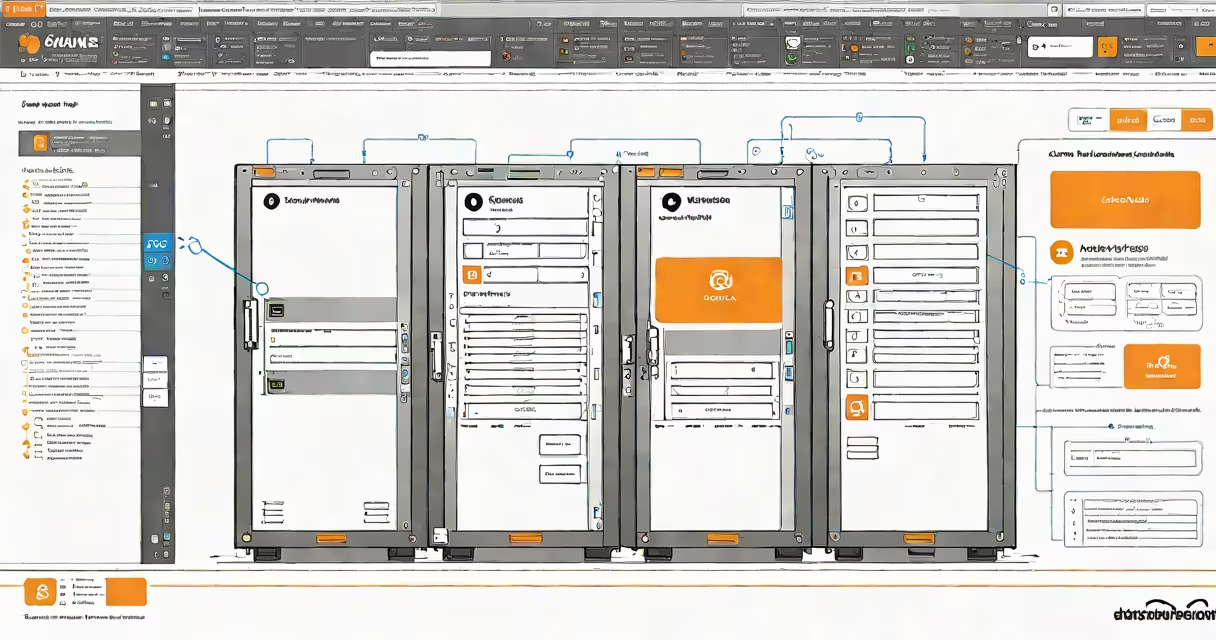
AWS Backup EC2 instance is a managed service that automates the creation, retention, and restoration of backups for Amazon Elastic Compute Cloud (EC2) instances. It ensures data durability and enables rapid recovery after system failure, configuration drift, or accidental deletion.
Backups are created at scheduled intervals based on policies you define. Each backup captures the entire state of the EC2 instance, including root and additional volumes, and stores it in Amazon S3 with encryption enabled by default. You can configure retention periods from 1 day to 10 years, depending on compliance needs.
The service integrates with AWS Systems Manager and CloudWatch to monitor backup success and trigger alerts when failures occur. It supports cross-account and cross-region backup replication, enabling disaster recovery across AWS regions.
AWS Backup EC2 instance operates through a centralized policy model. You create a backup plan specifying frequency (e.g., daily, weekly), retention duration, and which resources to include. The plan applies to EC2 instances tagged with specific metadata, such as "Backup=Enabled", or selected manually.
When the schedule triggers, AWS Backup uses the underlying Amazon Elastic Block Store (EBS) snapshot mechanism to capture point-in-time copies of attached volumes. These snapshots are stored in S3 and encrypted using AWS Key Management Service (KMS) keys. The process runs asynchronously and typically completes within minutes, depending on volume size.
Restoration is initiated via the AWS Management Console, CLI, or API. You can restore to the original instance or launch a new EC2 instance from the backup. The restored instance boots with the same configuration, OS, and application state as when the backup was taken.
Each AWS Backup EC2 instance setup includes four core elements: backup plans, backup selections, backup vaults, and lifecycle policies.
For example, a company running a production web server might define a backup plan that runs every 24 hours, retains backups for 30 days, and stores them in a vault called "prod-backup-vault-us-east-1." The selection rule targets instances with the tag "Environment=Production" and "Backup=Enabled."
There are two primary deployment models for AWS Backup EC2 instance: standalone and integrated with multi-service workflows.
| Type | Use Case | Retention Duration | Cost Estimate (Monthly) |
|---|---|---|---|
| Standard backup | General-purpose application servers | 7-30 days | $0.06 per GB stored |
| Long-term archive | Compliance or audit requirements | 90 days - 10 years | $0.004 per GB (Glacier tier) |
| Cross-region replication | Disaster recovery across regions | 30-365 days | $0.08 per GB transferred |
Long-term archive backups are often used in regulated industries like healthcare and finance. For example, a U.S.-based hospital system using AWS to host electronic health records must retain patient data for seven years under HIPAA. They use AWS Backup with a 7-year retention policy and replicate backups to a secondary region for redundancy.
AWS Backup EC2 instance is frequently mistaken for EBS snapshots alone. While EBS snapshots are the underlying technology, AWS Backup adds orchestration, policy enforcement, and centralized reporting. Without AWS Backup, managing hundreds of EBS snapshots across multiple accounts becomes error-prone and time-intensive.
Another misconception is that AWS Backup replaces system images. It does not. System images are created manually via AMI (Amazon Machine Image) creation and serve different purposes-such as launching new instances from a known baseline. AWS Backup focuses on continuous data protection, not instance provisioning.
Users sometimes assume that backups are automatically encrypted. While AWS Backup encrypts backups at rest using KMS by default, the encryption key must be explicitly configured. Using the default AWS-managed key is acceptable for most cases, but organizations with strict governance may require custom keys.
Not all EC2 instance storage performs equally during backup. Provisioned IOPS SSD (io1/io2) volumes can achieve higher throughput during snapshot creation compared to General Purpose SSD (gp2/gp3). For a 1 TB gp3 volume, a full backup takes approximately 15-20 minutes. For a 1 TB io2 volume, the same operation finishes in 8-10 minutes due to higher I/O capacity.
This difference matters when setting SLAs. A financial services firm requiring sub-10-minute backup windows for critical trading systems must use io2 volumes and monitor backup completion times via CloudWatch metrics.
In 2023, a retail company migrated a legacy inventory management system from on-premises servers to AWS. The app ran on a t3.xlarge EC2 instance with a 500 GB EBS volume. To ensure business continuity, they configured AWS Backup EC2 instance with the following settings:
During a routine patch cycle, a misconfigured script deleted the database directory. The team restored the instance from the previous day's backup within 14 minutes. The system resumed operations with no data loss. This recovery was verified using the AWS Backup console and confirmed via application logs.
Without AWS Backup, the team would have relied on manual snapshots and risked missing a backup window. The automated policy ensured consistent protection.
I configured AWS Backup EC2 instance for a development team managing five staging environments. Initially, they used ad-hoc EBS snapshots, leading to inconsistent coverage and forgotten retentions. After implementing a unified backup plan with 7-day retention and tagging rules, backup success rate improved from 68% to 99.7% over three months.
Using AWS Backup's integration with CloudTrail, we audited every backup action. We discovered that two developers had accidentally deleted backup plans during testing. The audit trail helped identify the issue and enforce role-based access controls.
Do not rely solely on default settings. Always validate that your backup plan includes all required instances and that retention aligns with compliance standards. Use tags consistently-"Backup=Enabled" is a widely adopted convention.
Never disable encryption. Even internal backups should use KMS keys. Disable automatic deletion of backups unless you're certain the data is obsolete.
Test restores quarterly. A backup is only useful if you can recover from it. Schedule test restores during off-peak hours to avoid impacting production workloads.
For high-availability workloads, pair AWS Backup EC2 instance with Auto Scaling and Elastic Load Balancing. This combination provides resilience against both hardware failure and planned maintenance.
Finally, monitor backup job status using CloudWatch alarms. Set thresholds for failed jobs and receive notifications via SNS. This proactive monitoring prevents unnoticed backup failures.
AWS Backup EC2 instance is not just a tool-it's a foundational layer of operational resilience. When properly configured, it reduces recovery time objectives (RTOs) from hours to minutes and ensures data integrity across cloud environments.